 Group Exporter · Chrome and Firefox extension
See it in action
A quick walkthrough of exporting a group.
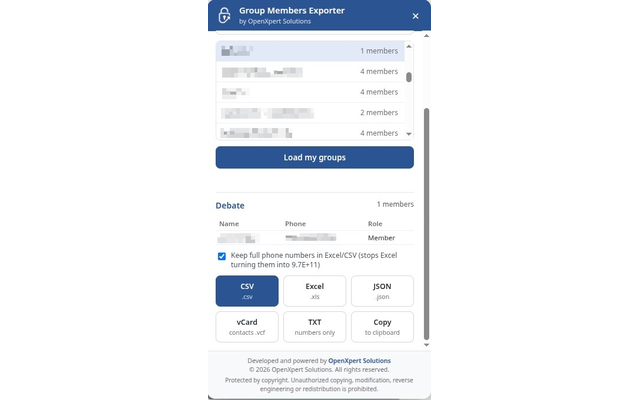
Five export formats
Pick the format your workflow needs.
CSV
.csv
Excel
.xls
JSON
.json
vCard
contacts .vcf
TXT
numbers only
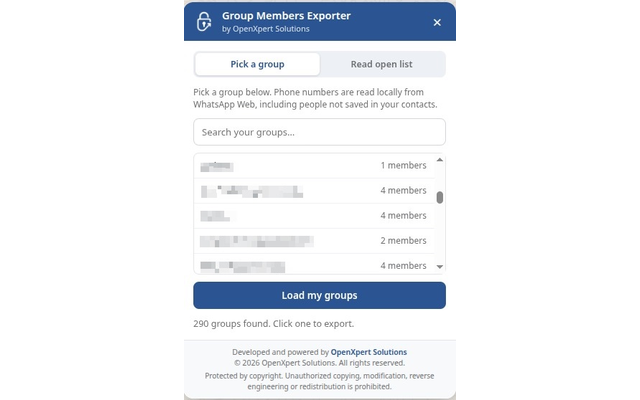
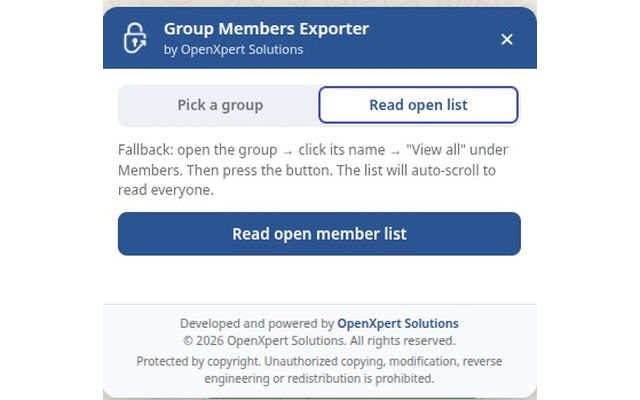
Screenshots
From the Chrome Web Store listing.
How it works
Three steps, all inside your browser.
- 01
Install
Add the extension from the Chrome Web Store or Firefox Add-ons.
- 02
Load your groups
Open WhatsApp Web and click “Load my groups”.
- 03
Export
Choose a group and a format.
Ready to export?
Member names and phone numbers belong to other people. Read our privacy policy.